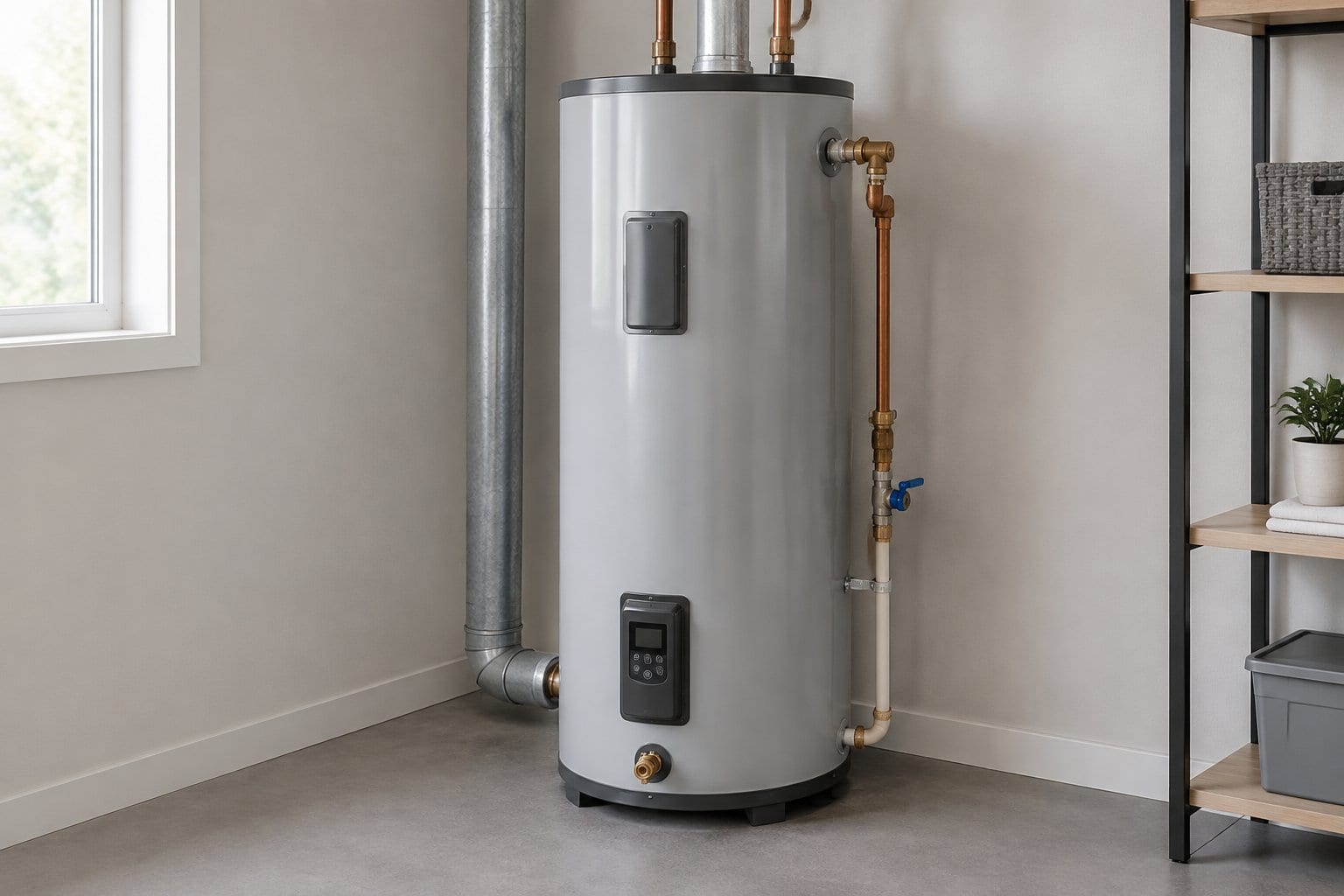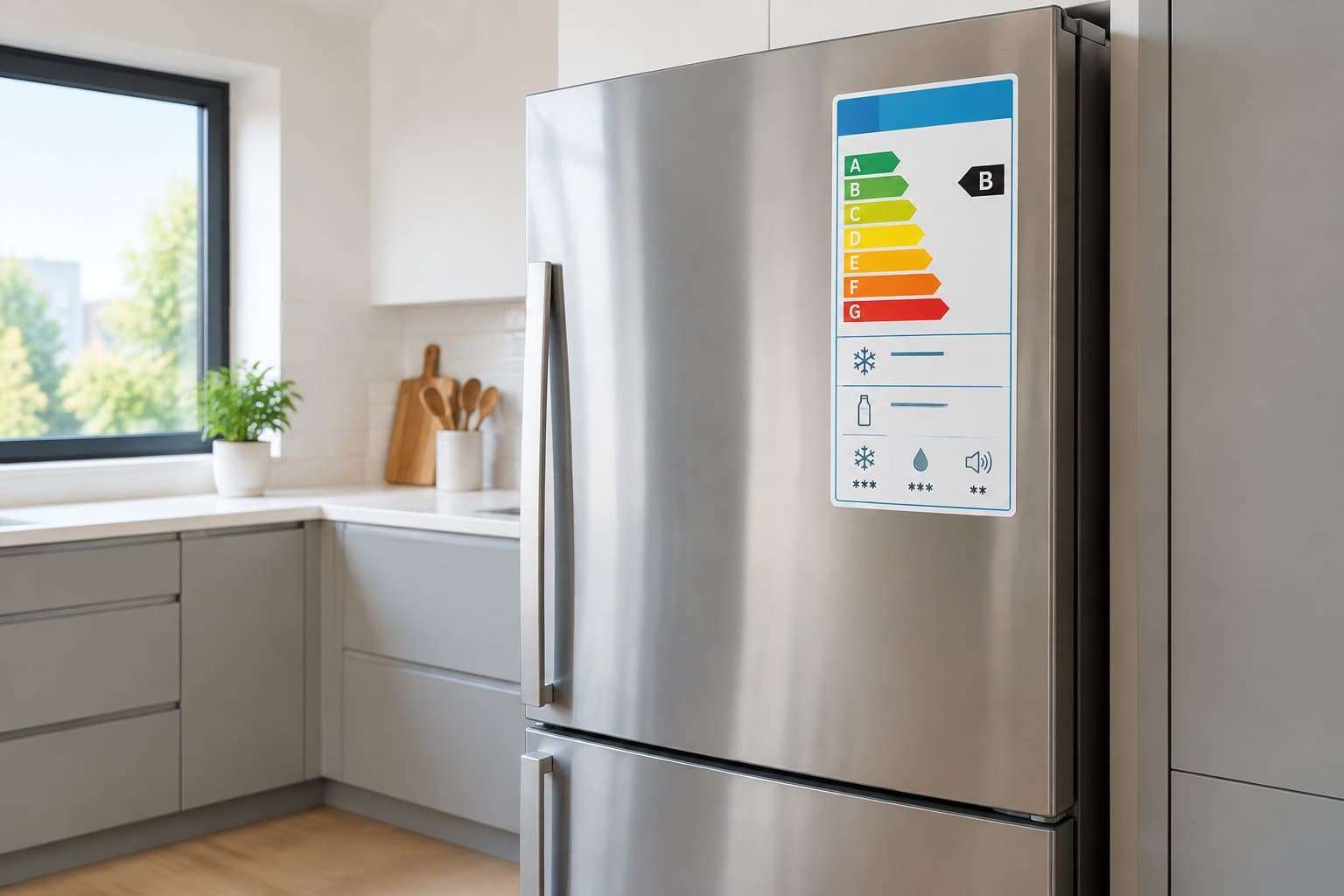

The delivery crew leaves, and there's a registration card taped to the door of your new appliance. Before you recycle the packaging, it helps to know what registering does and whether skipping it costs you anything.
Registering gives the manufacturer your contact details plus the appliance's model and serial number, so it can reach you about recalls and match you to your appliance when you need service.
You can do it by mail, online, or with a QR code in a few minutes. Your receipt still matters afterward.
What Information Do You Need Before You Start?
You need four details: the model number, serial number, purchase date, and retailer. Registration forms ask for some combination of these, and gathering them first saves you from getting stuck halfway through.
Where to Find the Model and Serial Numbers
The model and serial numbers are printed on a label or rating plate on the appliance itself. The exact spot depends on the appliance type. According to Whirlpool's guide to model and serial number locations:
- Front-load washers: inside the door, on the rim of the opening
- Built-in dishwashers: on the left side of the tub frame
- Refrigerators: inside the fresh food compartment, on the left or right wall depending on the style
- Ranges: on the frame of the oven or the storage drawer
- Cooktops: on the rating plate on the underside of the cooktop
Other brands use similar spots, but placement varies. If you're still searching, here's how to track down a missing model number.
How to Confirm the Purchase Date and Retailer
Your purchase date and retailer come from the receipt, the order confirmation email, or the delivery paperwork. If you paid by card, your statement shows the transaction date even if the paper receipt is gone.
If you bought a refrigerator online and it arrived weeks later, use the order date when the form asks when you bought it, and the delivery date if it asks when you received it. Some forms also ask what you paid, so keep the receipt nearby.
Three Ways to Submit Your Registration
Most appliances can be registered by mailing the card, through the manufacturer's website, or by scanning a QR code. All three ask for the same basic details, so pick whichever is fastest for you.
Mail the Registration Card
The mailed card still works if you prefer paper. Fill in the model number, serial number, your contact details, and the purchase information, then mail it. You won't get an instant confirmation, so write down the date you sent it.
Use the Manufacturer's Website
Online registration usually ends with a confirmation screen or email. GE Appliances recommends registering online and suggests creating an account instead of continuing as a guest, since only an account lets you log in and view your registration later, according to GE Appliances' registration guidance.
- Go to the manufacturer's registration page.
- Create an account or continue as a guest.
- Enter the model number, serial number, purchase date, and retailer.
- Submit the form and save the confirmation email or screen.
Scan the QR Code
Some registration cards, rating plates, and product cartons include a QR code. GE Appliances says its registration QR codes have the model and serial number embedded in them, and scanning one opens a mobile page with a registration link, according to GE Appliances' QR code guide. If the code doesn't work, GE says to log in or create an account and register there instead.
Check Your Marketing Email Preferences
A registration form may also ask whether you want promotional emails or texts. Read that option before you submit, and leave it unselected if you only want service and safety information.
What Does Registration Do, and What Does It Not Do?
Registration mainly gets you recall notices and an easier path to service. In most cases, your warranty comes from your purchase, so registration usually isn't what makes it valid.
Recall Notices and Easier Warranty Service
Whirlpool says registered customers get notifications about recalls or updates for their specific model, and that registration history can help when seeking warranty service, according to Whirlpool's appliance registration page.
LG lists verifying product ownership for claims, requesting repairs, and checking their status as reasons to register, according to its product registration page.
Because the manufacturer has your model and serial number on file, a service call can start from that record instead of a hunt for the label.
Why Your Receipt Still Matters
The FTC's guidance on warranties advises saving your product receipt with the warranty, since the receipt proves the date you bought the product and that you're the original owner.
The same FTC guidance notes that some warranties require you to return a product registration card before you qualify for warranty service. That varies by manufacturer and product, so check the written warranty that came with your appliance.
Picture a dishwasher that starts leaking eight months after delivery. If you registered it, the manufacturer may already have your model and purchase date on file, but you'll still want the receipt in case it asks for proof of purchase. Here's more on why appliance purchase receipts are worth keeping.
What Should You Keep After Registering?
Keep the registration confirmation, the warranty terms, and the appliance details together. Split across an inbox, a kitchen drawer, and a garage folder, they're hard to find when you need them.
Save the Confirmation and Warranty Terms
After you register online, save the confirmation email or confirmation number along with the written warranty. The FTC also suggests that if you shop online, you print or download a copy of the warranty for your records.
Keeping the warranty with your digital appliance manuals means you can check coverage length and exclusions without hunting for a second document.
Record the Appliance Details for Future Repairs
Write down the model number, serial number, purchase date, retailer, and price in one spot, even after you've registered. A repair company will usually ask for the model and serial number when you book, and having them ready saves a callback. Delivery day is the easiest time to build a home inventory entry for the new appliance, while the label is easy to reach.
The same record helps you check whether a repair is still under warranty before you pay out of pocket.
Keep Your New Appliance Details Together
Registering takes a few minutes, but the details behind it (model number, serial number, purchase date, retailer, warranty terms) stay useful for years. The harder part is keeping them where you can find them again.
Log the appliance once, on delivery day: photograph the serial label, note the purchase date and retailer, and save the warranty terms and registration confirmation with that record. When a repair or recall question comes up, the details are already together.
Frequently Asked Questions
Do I have to register an appliance for its warranty to be valid?
Usually not. Your warranty generally comes from your purchase, and your receipt proves it. Some warranties require you to return a registration card before you qualify for service, so check the written warranty that came with your appliance.
Can I register a new appliance online?
Yes. Major manufacturers offer online registration, and GE Appliances recommends it. GE suggests creating an account during registration so you can log in and view your registration details later.
Is appliance registration free?
Yes. Registering with the manufacturer means submitting your contact information along with the model and serial number, and there's no charge.
What if I threw away the registration card?
You can usually register online using the model and serial number from the appliance's label or rating plate. Online registration forms ask for those numbers, so you don't need the physical card.
Can I register an appliance without a receipt?
Yes. Registration forms ask for details such as the purchase date and retailer. Keep the receipt anyway, since it proves your purchase date and ownership if you need warranty service later.
Log Your New Appliance on Delivery Day
Before the box leaves the kitchen, save the model number, serial number, warranty terms, and registration confirmation in one record. Manse holds them together for every appliance in your home, ready for the next repair or recall check. Log your first appliance free.