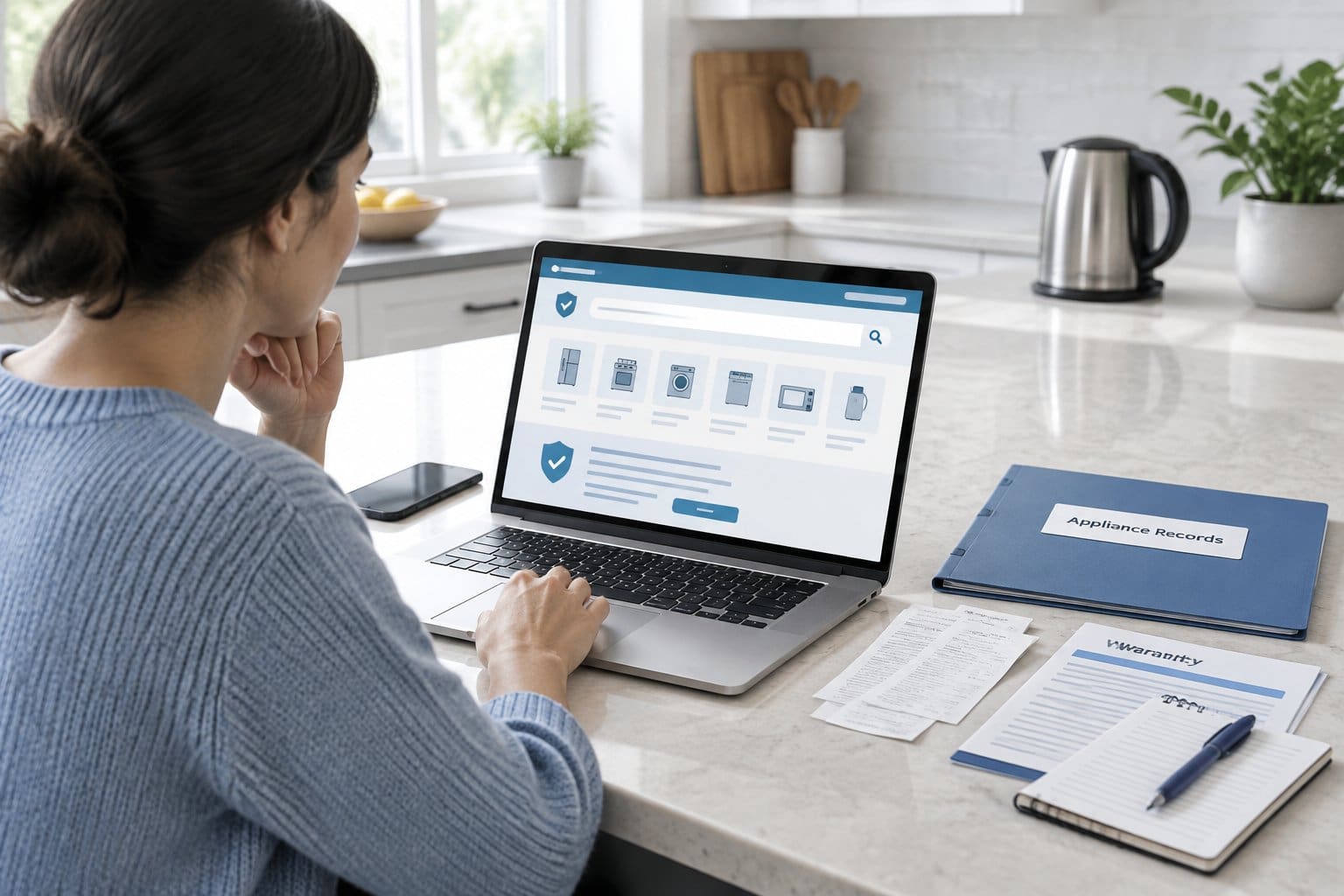

A new technician looks at your system and asks, "When was this last serviced, and what was done?" All you have is a vague memory and a credit card charge from last spring. You pay for a tune-up every year, yet you couldn't say what the technician checked, what they recommended, or whether the same problem came up before.
To track HVAC service visits well, write down the same handful of details after every appointment and keep them together with the invoice. Here's what to record, how to keep it usable, and when that history pays off.
What Should You Record After Each HVAC Service Visit?
Record six things after every visit: the date, company, and technician; the cost; the work performed; parts replaced or refrigerant added; any readings on the invoice; and every recommendation made. Skip one, and the record becomes harder to use the next time you need it.
A single missing detail, like whether you added refrigerant last year, can turn a simple question into a guessing game. Writing these details down takes a few minutes.
Date, Company, Technician, and Cost
Note the exact date of service, beyond "spring" or "last year." Include the company name and the technician's name if it's on the invoice.
Write down the total cost, and separate labor from parts if the invoice breaks them out. That makes it easier to compare prices across companies and years.
Work Performed
List what the technician actually did: cleaned coils, checked electrical connections, tested the thermostat, inspected the condensate drain. Most invoices list this already, but a one-line summary in your own words makes years of history quick to scan.
If you know the coils were cleaned and the blower checked last October, you can tell a new technician that in seconds instead of having them start from scratch.
Parts Replaced and Refrigerant Added
Write down any part that was replaced, including the part name and, if listed, the part number. Note whether the technician added refrigerant and how much.
Refrigerant notes matter. ENERGY STAR's guidance on HVAC quality installation says properly charging an air conditioner or heat pump helps reduce energy consumption and decreases the risk of system failure. For large systems holding 50 pounds of refrigerant or more, the U.S. Environmental Protection Agency requires technicians to give the owner an invoice showing the amount of refrigerant added.
Most home systems hold less than that, so the rule doesn't cover them, but you can still ask your technician to write the amount on your invoice. If your log shows refrigerant added visit after visit, ask the technician to check for a leak.
Invoice Readings, Recommendations, and Follow-Up
Copy down any readings listed on the invoice, such as refrigerant pressures, temperature split, or amp draw. One reading means little on its own, but it lets you or a technician compare this year's numbers with last year's.
Also record every recommendation, including ones you declined. If a technician suggested replacing a capacitor "soon" and it fails six months later, that note matters.
How Do You Build a Service History You Can Use?
Keep invoices, notes, and the status of each recommendation together in one place. A drawer of old invoices is technically a record, but it won't help if you can't find the year you need.
Keep Invoices and Notes Together
Store each invoice next to your own notes about the visit. The invoice gives you the official record of cost and parts, and your notes capture what it might leave out, like how the technician described a noise or a part that looked worn but wasn't replaced yet.
The same approach works for any job, and this guide to tracking contractor work on your home covers the rest of the paperwork worth saving.
Mark Recommendations as Completed or Still Open
Go back through your notes and mark each recommendation as done, declined, or still pending. That turns a pile of past visits into a short list you can act on.
If a technician recommended a new capacitor in March and nothing has happened by the next visit, you should see that at a glance. Set a reminder tied to each open item so it doesn't slip between visits.
Add What You Know About Older Visits
Fill in what you remember even without the original invoice. A rough date and a short description ("replaced capacitor, spring two years ago") is better than nothing.
This matters most after moving into a home, when you start with partial information and add to it from the previous owners, the inspection report, and your first few service calls.
Track Filter Changes Alongside Service Visits
Filter changes belong in the same history as tune-ups and repairs, so you only have one place to check. A system that gets regular filter changes but has no record of them still looks undocumented to a new technician or a buyer.
Record the Date, Filter Size, and Filter Type
Write down the date of each change along with the filter size and type, including the MERV rating if it's listed. The size is usually printed on the frame of the old filter, so it's easy to capture when you swap it out.
Use a Reminder for the Next Check
The Department of Energy suggests cleaning or replacing an air conditioner's filter every month or two during the cooling season, and more often if the system runs constantly, the home is dusty, or you have pets.
Check your filter's packaging and your system's manual for the right interval, then set a reminder. A home maintenance log for filter changes pairs each reminder with a record of when you actually did it.
For the tasks themselves, follow an HVAC maintenance schedule and use your log to record what got done.
When Does an HVAC Service History Help?
A service history earns its keep in a few specific moments: warranty claims, repeat problems, sales pitches for work you may not need, and selling the home. Each one depends on showing, with dates, what maintenance happened.
Check Maintenance Records for a Warranty Claim
Some warranties cover problems only if you maintain and use the product according to the manufacturer's directions. The Federal Trade Commission's guide to understanding warranties lists that as one of the coverage questions to check, and advises saving your product receipt with a copy of the warranty.
Read your own equipment's warranty terms to see what it requires. If maintenance is a condition, dated invoices showing the company and the work performed give you something concrete to submit.
Spot Repeat Problems and Question Unneeded Work
A service history lets you compare this year's diagnosis with last year's. If the same part has failed twice in two years, your records show it and give you a fair reason to ask why.
It also helps with upsells. If a new company recommends replacing a part you replaced eighteen months ago, you can push back with the date and invoice instead of relying on memory.
Show Buyers How the System Was Cared For
A documented history can reassure a buyer that the system received regular care. Annual tune-up dates, filter changes, and major repairs give a clearer picture than a verbal "it's been maintained." Keep the HVAC file with the other records to keep when selling a house.
Have Your HVAC History Ready for the Next Visit
The fastest way to help a new technician is to hand over dates, past work, and open recommendations before they start diagnosing. A technician who knows the coils were cleaned in October and refrigerant was added last summer can skip repeating that work.
Before the next appointment, pull up your log the same way you'd get ready for an AC tune-up: equipment details, recent problems, and anything still open from last time.
Frequently Asked Questions
What if I have no records from past HVAC service visits?
Start with what you remember, even rough dates and general descriptions of the work. Record full details from your next visit onward, and within a year or two you'll have a useful history even without a complete past record.
Do HVAC companies keep records of past visits?
Many companies keep records if you've used them repeatedly, but you may not have easy access to them, especially if you switch companies or the company closes. Keeping your own copy of every invoice and note means you don't have to rely on theirs.
Can service records help with an HVAC warranty claim?
Yes. Some warranties only cover problems that happen after you maintain the product according to the manufacturer's directions, so dated invoices showing regular maintenance give you documentation to support a claim. Check your system's warranty for its specific requirements.
Should I track filter changes separately from tune-ups?
Keep them in the same history. When filter changes, tune-ups, and repairs sit together, you get a full picture of how the system has been maintained from one place.
How long should I keep HVAC service invoices?
Keep them for as long as you own the system. They support warranty claims, help you spot repeat problems, and show a future buyer the maintenance history.
Keep Every HVAC Visit in One History
Invoices in a drawer, notes on your phone, and filter dates in your head don't add up to a history a technician can use. Manse keeps every service visit, invoice, and filter change in one HVAC record, with reminders for what's due next. Start your HVAC history for free.