
Your dishwasher just threw an error code you have never seen, or it stopped mid-cycle with dishes still dirty. You go looking for the manual and remember it was tossed out years ago, or it never made it out of the box.
That gap is common. Most homeowners keep no digital or paper trail for their dishwasher manuals, so a simple question turns into a search that eats an evening.
This is exactly the kind of gap Manse was built to close. Homeowners use it to keep appliance records, warranty dates, and manuals together, so a moment like this does not turn into a scavenger hunt.
In this guide, you'll find where to get the correct GE dishwasher manual, how to match it to your exact model, and how to use it for daily operation and troubleshooting. No jargon, no filler, just what you need to fix the problem and keep a record for next time.
Find the Exact Model Number First
You are staring at the front of your dishwasher, hunting for a number that is not where you expect it. Meanwhile, the dishes are waiting and the manual search has already stalled before it started.
That frustration usually comes down to one thing: skipping the model number step. Every accurate GE dishwasher manual search starts here, not with a general web search.
Once you know your model, that single string of letters and numbers becomes useful beyond just finding a PDF. Storing it in Manse means you never hunt for it again, and this general guide to appliance manuals covers the same habit for everything else in the house.
Here's where GE hides the label, and why two similar-looking model numbers can point to completely different manuals.
Common Places to Find the Label
The model number on a GE dishwasher is usually printed on a small sticker. Check these spots first:
Inside the door, along the top edge or side frame of the tub
On the side panel, visible once the door is fully open
Near the bottom kick plate, sometimes requiring a flashlight
Look for a mix of letters and numbers, often starting with letters like GDF, GDT, or PDT. Write it down exactly as printed, including dashes.
Why Similar Model Numbers Can Have Different Manuals
Two dishwashers can look almost identical but carry different suffixes at the end of the model number. That extra letter or digit often signals a different control panel, wash cycle set, or interior finish.
Downloading the wrong manual leads to instructions that do not match your buttons or cycle names. Always match the full model number, not just the first few characters, before opening a PDF.
Download the Correct Document From GE Appliances
You have the model number now, but the search results are a mess of third-party manual sites and forum links. It is hard to tell which PDF is actually official and current.
This is where a lot of people give up and just wing it. That approach works until something breaks and you need the exact installation instructions or wiring detail buried on page 12.
Manse solves that stress differently: once you save the correct manual link and document to your home profile, you won't have to repeat this search every time a question comes up.
Here's the fastest path to GE's own document library, and how to tell current documents from older archived ones.
Use the Official Literature Search
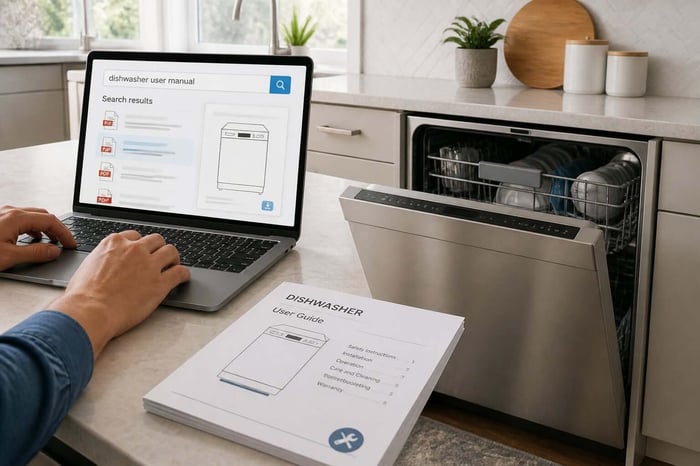
GE Appliances runs an official literature search tool where you enter your model number directly. It returns the matching owner's manual, use and care manual, and installation information for that exact unit.
This tool pulls straight from GE's own document library, so you avoid outdated or mismatched PDFs floating around on unrelated sites.
Search From the Product Support Page
If you already know your dishwasher's product line, the GE Appliances support page lets you browse by category. From there, you can search product support pages by model to reach the manual directly, without digging through search engine results.
Choose Between Current and Older Model Documents
Newer GE dishwashers usually have manuals hosted directly on the current GE Appliances site. For older models, especially units purchased before 2015, GE sometimes points you to an archived document instead.
Check the publication date printed on the manual's cover page. This confirms you have the version that matches your dishwasher's actual production year.
Know Which Document Answers Your Question
You have downloaded a PDF, but it is fifty pages long, and you just need to know what one indicator light means. Scrolling through installation diagrams to find operating instructions wastes time you do not have.
Most GE dishwasher paperwork actually bundles several separate documents into one file. Knowing which section holds which answer saves you from rereading pages that do not apply to your question.
Manse users often save the specific page or section they need most, alongside the full manual, so the answer is one click away next time instead of a repeat search.
Here's how to split the manual into the sections that matter for daily use, setup, and specs.
Use and Care Details for Daily Operation
This section covers loading racks, detergent amounts, wash cycles, and daily cleaning habits. It is the part most homeowners actually need day-to-day, and it usually sits near the front of the document.
Installation Documents for Setup Requirements
Installation pages cover water line connections, electrical requirements, and clearance space. These matter most during a new install or when a plumber or electrician asks for specs before starting work.
Quick Specs, Energy Guides, and Additional Downloads
Many manuals include a quick specs sheet with dimensions and capacity, plus an energy guide showing estimated yearly operating cost. These extra pages are useful when comparing models or confirming a replacement part fits.
Use the Manual for Operation, Care, and Common Problems
Your dishwasher is running, but dishes are coming out spotted, or a drawer will not latch the way you remember. Something feels off, and you are not sure if it is a setting issue or an actual malfunction.
This is the moment the manual earns its keep. Even a well-built dishwasher needs the right cycle and care routine to perform as expected.
Homeowners using Manse often log which cycle settings and cleaning habits work best for their unit, so troubleshooting starts faster the next time something seems off.
Here's how to select cycles correctly, follow a basic filter care routine, and know which problems you can safely check yourself.
Select Cycles and Load Racks Properly
Heavier, longer cycles handle baked-on food, while shorter cycles suit lightly soiled dishes. Loading matters just as much: blocked spray arms and overcrowded racks are the most common causes of poor cleaning results.
Follow the Cleaning and Filter Care Schedule
Most GE dishwashers need the filter cleaned every month under normal use. A clogged filter causes cloudy dishes, standing water, and odors, and it is one of the easiest fixes a homeowner can do without tools.
Check Safe First Steps for Draining, Power, and Cleaning Issues
Before calling for troubleshooting help, check these basics:
Confirm the unit has power and the door latch is fully engaged
Check for a kinked or clogged drain hose
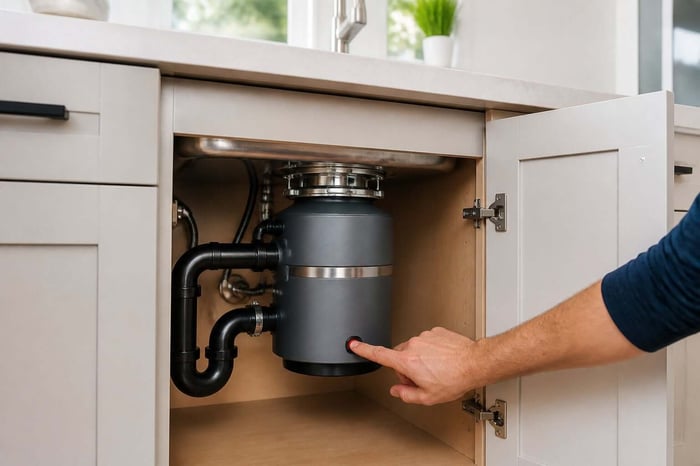
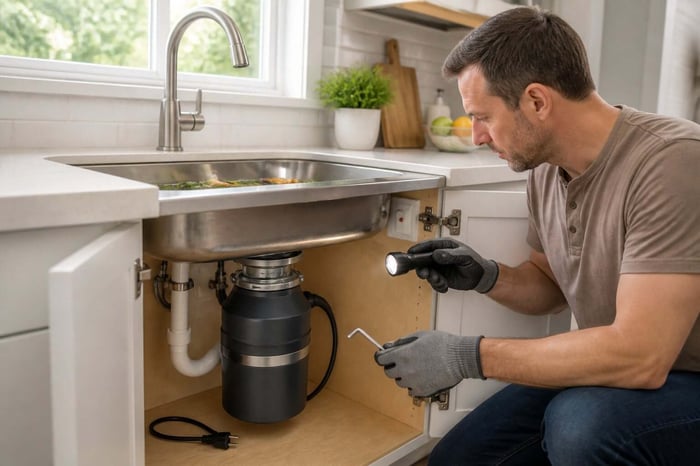
Run the garbage disposal first, since a clogged disposal can block dishwasher drainage —Manse's guide to unclogging a garbage disposal covers that specific fix
Clean the filter and spray arms before assuming a mechanical failure
Keep Appliance Records Ready for the Next Repair
Something is wrong with the dishwasher again, and you are trying to remember if it is still under warranty or if you are paying out of pocket this time. Without the purchase date handy, that call to customer support gets harder.
This is a common gap. Most people fix the dishwasher once and never write down the details that would make the next repair faster.
If your dishwasher is running again, take two minutes to log the model number and warranty date in Manse. It is free to start, and the record is there the next time something goes wrong. If it's a washer giving you trouble instead, Manse's Whirlpool Washer manual guide walks through the equivalent lookup for that appliance.
Here's what to save now, so the next repair call starts with answers instead of guesswork.
Save the Manual, Serial Details, and Purchase Records
Keep the model number, serial number, purchase date, and receipt together in one place. These four details answer most of what a technician or support line will ask before scheduling service.
Check Coverage Before Scheduling Service
Warranty terms vary by part and by how long you have owned the unit. Confirming coverage before you call saves you from paying for a service visit that could have been free.
Get Model-Specific Help When the Manual Is Not Enough
When the manual does not answer your question, GE Appliances support can look up model-specific service bulletins and parts availability using the same model number you already have on hand.
Frequently Asked Questions
How do I find the right owner's manual for my dishwasher model?
Locate your exact model number on the door frame or side panel first. Enter that number into GE's official literature search tool to pull the matching owner's manual for your specific unit.
Where can I download a free PDF copy of the manual?
GE Appliances offers free PDF downloads directly through its official manuals and literature search page. Third-party manual sites often host copies too, but the GE site guarantees the most accurate match.
How do I identify my dishwasher's model number?
Check inside the door frame, on the side panel with the door open, or near the bottom kick plate. The number usually starts with letters like GDF, GDT, or PDT followed by digits.
What do the symbols and indicator lights on the control panel mean?
Indicator lights typically show cycle progress, a sanitize confirmation, or a rinse aid reminder. The use and care section of your manual lists the exact meaning for your specific control panel layout.
How do I reset the control panel when the dishwasher stops responding?
Most GE dishwashers reset by pressing and holding the start or cancel button for three seconds, or by cutting power at the breaker for one minute. Check your manual's troubleshooting page for the exact steps for your model.
How do I start a wash cycle and choose the right settings?
Select your cycle using the control panel buttons, add detergent to the dispenser, then press start or close the door fully to begin. Heavier soil levels call for longer cycles, while lightly used dishes do fine on a quick or normal setting.